7 Best AI Music Video Generators in 2026 (Compared)
Compare the best AI music video generators in 2026 by audio input, lip sync, lyric subtitles, export formats, and pricing. Turn any song into a styled MV.
The best AI music video generator depends on the job: turning a finished song into a styled MV, syncing visuals to a beat, adding lyric subtitles, or keeping a singer consistent on screen. In 2026, a handful of music-first tools do this well, and most start from the same input — your audio track — then build visuals that move with the music.
This guide compares 7 AI music video generators by what matters most for creators: audio input support, song-to-scene logic, lip sync and character consistency, lyric subtitles, export formats, and pricing. It also shows where PixVerse VibeMV AI fits for creators who want a styled, subtitled MV from a single audio file.
If you already know you want to turn one finished song into a video, start with our step-by-step guide on how to make a music video with AI from a song. If you are still choosing the right tool category, use this comparison first.
What Makes a Good AI Music Video Generator
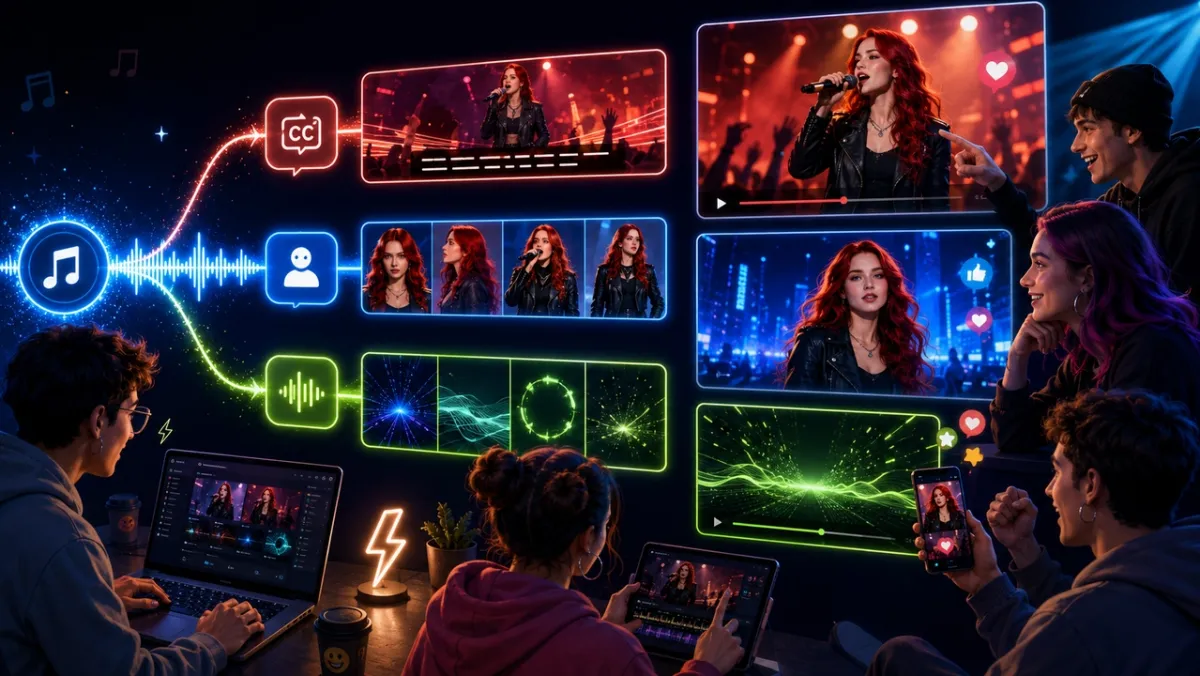
A general text-to-video tool can make a nice clip, but a music video has specific requirements. The visuals must follow the song, not a generic timeline. When comparing tools, weigh these factors.
| Factor | Why it matters |
|---|---|
| Audio input | Direct upload of MP3, WAV, M4A, or AAC — and ideally a song link — so you start from a finished track. |
| Song-to-scene logic | Beat, energy, and section analysis so cuts land on real musical moments. |
| Lyric subtitles | Auto-detected, editable captions for a clean lyric-video feel. |
| Character consistency | The option to keep one performer on screen across scenes. |
| Export formats | 16:9, 9:16, and other ratios for YouTube, TikTok, Reels, and Shorts. |
| Resolution | 720p for drafts and 1080p or higher for final output. |
| Pricing clarity | Transparent free tiers, credits, and watermark rules. |
Character consistency is especially important when the video shows a recurring performer rather than abstract visuals. For deeper production habits, see our guide to creating consistent AI video characters. When mouth-to-audio accuracy or dubbing is the main decision, use the AI lip sync video generators comparison. For prompt-first clips that do not start from a song, use the broader text-to-video AI generator comparison.
How This Comparison Was Built
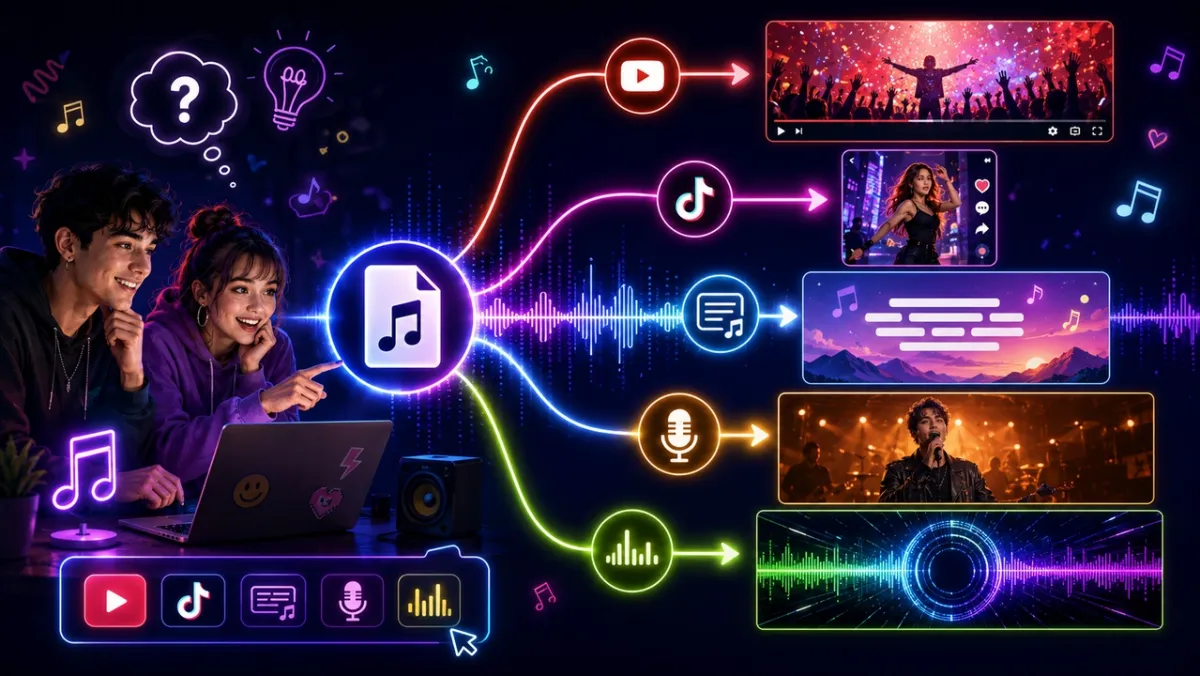
This comparison is based on public feature pages, pricing pages, supported input and export claims, credit rules, commercial-use notes, and music-video workflow fit. The original entries were reviewed on June 5, 2026; the Solmi entry was checked on October 22, 2026. It is a buyer’s shortlist, not a same-song render benchmark across every product.
That distinction matters. Output quality in AI video can change by model version, genre, prompt, source audio quality, and retry count. Use this article to narrow the field, then check the current in-app price estimate, watermark rule, commercial-use terms, and output quality before committing a full release.
Best AI Music Video Generators Compared
| Tool | Best for | Audio input | Lip sync / character | Subtitles | Pricing snapshot |
|---|---|---|---|---|---|
| PixVerse VibeMV AI | Styled, subtitled MV from one audio file | MP3, WAV, M4A, AAC upload | Yes, via character photo | Yes, with verification | Free trial credits; public VibeMV plans list paid tiers from $19/mo |
| Freebeat | Multi-mode music and social videos | Upload or Suno/Udio/YouTube link | Yes, multiple modes | Yes (lyric mode) | Free plan; Basic $4.99/week, Standard $9.99/mo, Pro $24.99/mo |
| Neural Frames | Audio-reactive abstract visuals | Track upload | No lip sync | Limited | Knight $26/mo, Ninja $66/mo, Nirvana $199/mo when billed yearly |
| VidMuse | Director-style storyboard MV | Upload or Suno/Spotify link | Yes, character lock | Yes | Free 1,000 credits; Pro $39/mo or $33/mo annual |
| Kaiber | Stylized, artistic visuals | Audio upload | Limited | Limited | $5 trial; Starter $10/mo, Creator $29/mo, Pro $99/mo |
| Solmi | Full-song videos with a photo-based, lip-synced singer | MP3, WAV, or M4A upload, including downloaded Suno tracks | Yes, with reference photos | Yes, auto-detected | Free 20-second 480p preview with watermark; paid plans from $35/mo |
| Revid | Short-form Suno-to-video clips | Upload or Suno link | Limited | Yes (animated) | Hobby $39/mo; Growth promo $39/mo with 2,000 credits; Ultra $199/mo |
Pricing and Rights Notes Before You Pick
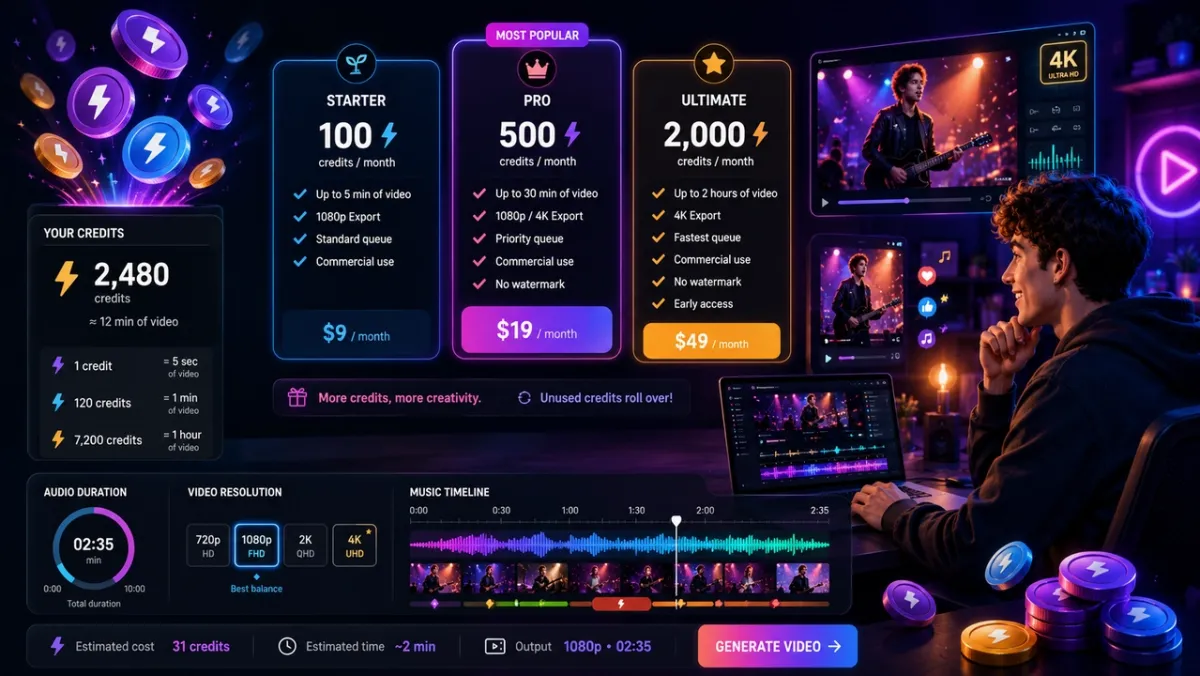
Pricing, credits, and limits change often, so treat the table above as dated public snapshots, not current quotes. For PixVerse workflows, check the credit estimate inside the app before generating because cost depends on song length, resolution, and selected mode. PixVerse API credits are also separate from PixVerse Web credits; teams building automated workflows should confirm API pricing and billing in the PixVerse Platform dashboard rather than assuming Web credits transfer.
For every tool, check four things before publishing a paid or monetized music video:
- Watermark rules: free tiers may be useful for exploration but not final release.
- Commercial-use rights: confirm whether commercial rights require a paid plan.
- Credit burn: retries, longer tracks, higher resolution, and model upgrades can raise the real cost.
- Music and likeness rights: make sure you control the song, vocals, character photos, and any third-party assets you upload.
1. PixVerse VibeMV AI: Best for a Styled, Subtitled MV from One Audio File
Best for: creators and AI musicians who want a finished, subtitled music video from a single audio file.
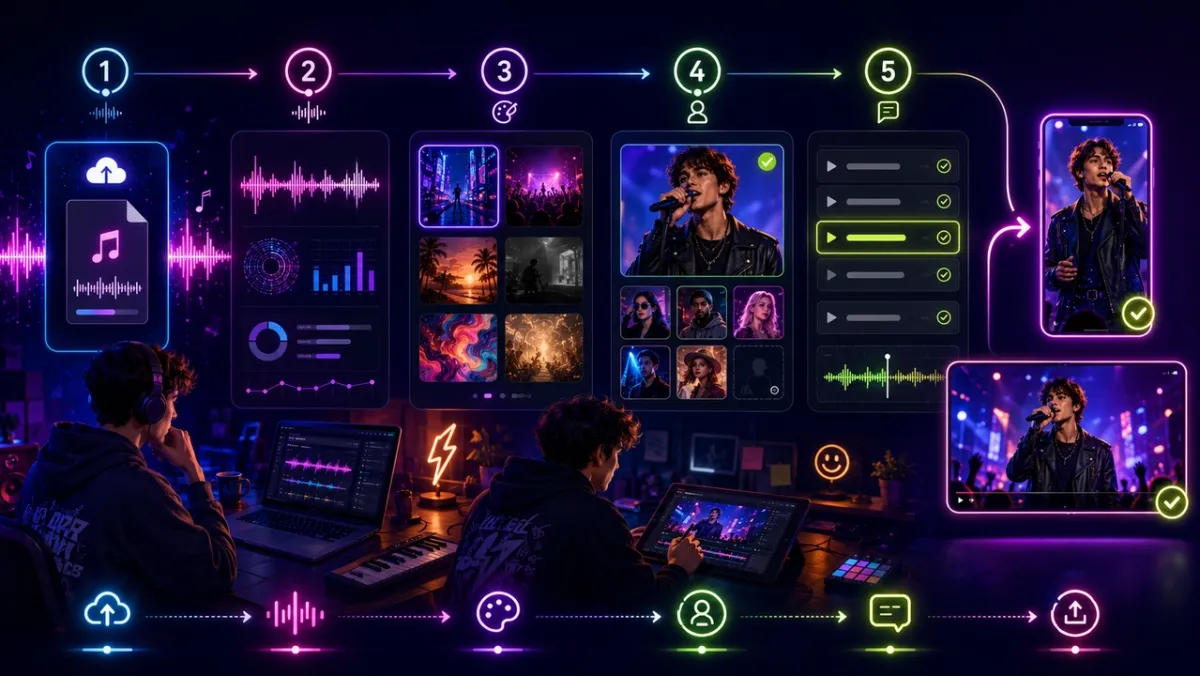
VibeMV AI is a PixVerse Mini App built around a music-first workflow. Upload an audio file — MP3, WAV, M4A, or AAC, between 10 seconds and 6 minutes — and the tool analyzes the track, then generates a styled video with synced visuals and optional lyric subtitles.
For projects that also need prompt-led or image-led inserts, the PixVerse video generation platform provides a broader creation path alongside the music-first workflow.
What stands out is the balance of control and simplicity. You can set a Video Style and a Music Style across many genres (Pop, Rock, Hip Hop, R&B, Jazz, Electronic, Classical, and more), upload one character photo to keep a consistent performer on screen, and turn on subtitles with a verification step that lets you review, edit, and re-identify detected lyrics before rendering. For tracks without vocals, an instrumental mode skips lyric detection entirely.
Exports cover 16:9, 9:16, 1:1, 4:3, and 3:4 at 720p or 1080p, so the same song can become a landscape YouTube video or a vertical Shorts clip. Because VibeMV AI lives inside PixVerse, it fits alongside the platform’s other video models and Mini Apps. For automated production, confirm the separate PixVerse API plan and credit rules before building a repeated MV workflow.
2. Freebeat: Best for Multi-Mode Music and Social Videos
Best for: creators who want several music-video and social formats from one source.
Freebeat positions itself as an AI director that plans, shoots, and edits music videos automatically. Its public pages emphasize multiple modes — story videos, lyric videos, dance videos, and short-form social clips — and it accepts both audio uploads and links from Suno, Udio, YouTube, TikTok, and SoundCloud.
Freebeat is a strong option when you want format variety and platform distribution from a single track. Check how its beat-sync and section detection handle your genre, and confirm current credit costs, watermark rules, and rights before committing to a paid plan.
3. Neural Frames: Best for Audio-Reactive Abstract Visuals
Best for: electronic, ambient, and visualizer-style videos.
Neural Frames behaves like a visual instrument. It extracts multiple stems from a track — drums, bass, vocals, and more — and lets you map audio parameters to visual effects, so the imagery pulses, morphs, and shifts with the music. An Autopilot mode handles this automatically while keeping sync to the track’s energy.
Neural Frames is the pick when you want abstract, psychedelic, audio-reactive art rather than a character-driven performance. It does not focus on lip sync, so for vocal-led performance videos, a music-first generator with character support is a better fit.
4. VidMuse: Best for Director-Style Storyboards
Best for: creators who want a storyboard to approve before rendering.
VidMuse frames itself as an AI director that drafts a script and storyboard from your track, which you approve before any frames render. It accepts audio uploads and links from Suno, Udio, and YouTube, supports character references and lip sync, and exports 1080p videos for YouTube, TikTok, and Instagram.
The storyboard-first approach suits creators who want more narrative control and a preview step. Compare its render speed and credit usage against simpler one-pass tools to see which workflow fits your release cadence.
5. Kaiber: Best for Stylized, Artistic Visuals
Best for: music visuals with a distinct artistic or animated look.
Kaiber is known for transforming audio and prompts into stylized, often dreamlike visuals. It is popular for artists who want a strong aesthetic signature rather than literal performance footage.
Kaiber rewards experimentation with prompts and styles. Expect more iteration to dial in a consistent look, and check export resolution, rollover rules, and length limits on your plan before planning a full release.
6. Solmi: Best for Full-Song Videos with a Lip-Synced Singer From Your Photo
Best for: creators with a finished song who want a complete, storyboarded video with lyrics and a real singer on camera.
Solmi AI music video generator accepts an MP3, WAV, or M4A file, including a track downloaded from Suno. It detects the song’s tempo and lyrics, then writes a shot-by-shot storyboard from the lyrics, keeps the cast consistent across shots, and renders in cinematic, performance, or dance styles. You can choose a 16:9 or 9:16 export, and add a front-facing photo so Solmi casts you as the singer and lip-syncs you to the vocals, or pick one of its ready-made performers.
Solmi is a practical fit for vocal-led songs that need a complete video rather than a short teaser. Every shot starts as a still frame in the storyboard, so you can review and revise the images before you render the full video, which keeps costs down: you only pay for footage once the frames look right. Its Studio also lets you revise or regenerate individual shots afterwards, although new renders use credits. Free to start: a new web account gets one 20-second 480p preview. Paid plans render the full song at 720p or 1080p and include commercial use. Obtain consent for any singer photo or voice you upload.
7. Revid: Best for Short-Form Suno-to-Video Clips
Best for: AI music creators turning Suno tracks into short, share-ready clips.
Revid focuses on converting a Suno link or uploaded audio into short-form videos with synchronized visuals, animated captions, and effects aimed at TikTok, Reels, and Shorts. You can sync to lyrics or beats and add a sound wave effect.
Revid is convenient for quick social posts tied to a release, especially for Suno users. For full-length, landscape music videos with character consistency, a dedicated music-first generator is the stronger choice.
How to Choose the Right AI Music Video Generator
If the campaign also needs apparel-led clips, our AI fashion video generator comparison covers the different workflow of starting from a garment image and model reference rather than an audio track.
The best tool depends on the type of video you want to ship. Use this as a routing guide.
| If you need to… | Best fit |
|---|---|
| Make a styled, subtitled MV from one audio file | PixVerse VibeMV AI |
| Produce multiple music and social formats from one track | Freebeat |
| Create abstract, audio-reactive visuals | Neural Frames |
| Approve a storyboard before rendering | VidMuse |
| Get a strong artistic or animated aesthetic | Kaiber |
| Turn a finished song into a storyboarded video with a photo-based singer | Solmi |
| Convert a Suno track into short social clips | Revid |
For creators who want a finished music video with subtitles and a consistent performer, a music-first generator that starts from your audio file is usually the most direct path. For abstract visual art that reacts to every beat, an audio-reactive tool is the better fit. If the same track also needs short-form distribution, pair the MV workflow with a YouTube Shorts AI video generator workflow so the final export has the right hook, captions, and 9:16 framing.
Conclusion
There is no single best AI music video generator — there is a best fit for your song and your platform. If you want a styled, subtitled MV from one audio file, with optional character consistency and exports for both YouTube and vertical feeds, PixVerse VibeMV AI is a strong place to start. For the exact production steps, use the companion guide on turning a song into an AI music video.
If your priority is multi-format social output, try Freebeat. If you want audio-reactive abstract art, test Neural Frames. If you want a vocal-led full-song video with a photo-based, lip-synced singer, compare Solmi with PixVerse VibeMV AI. Pick the workflow that matches the video you need to release, then verify current pricing and limits before you commit.
FAQ
What is the best AI music video generator in 2026?
It depends on the job. For a styled, subtitled music video from a single audio file with optional character consistency, PixVerse VibeMV AI is a strong first choice. For multi-format social videos, Freebeat is relevant. For abstract audio-reactive visuals, Neural Frames is a better fit.
Can AI turn a song into a music video?
Yes. Music-first AI generators accept an audio file or song link, analyze the track’s structure, and produce visuals that sync to the music. Many also add lyric subtitles and let you keep a consistent character on screen.
Which AI music video generator works with Suno?
Several tools accept Suno tracks. Freebeat, VidMuse, and Revid support Suno links directly; PixVerse VibeMV AI and Solmi accept a Suno song after you download it as an audio file.
Is there a free AI music video generator?
Some tools offer free access or free credits to start, including PixVerse VibeMV AI, Freebeat, VidMuse, Solmi, and Revid. Solmi’s free preview is limited to 20 seconds at 480p with a watermark. Free tiers often add watermarks or limit resolution and length, so check the current terms before relying on one for a release.
How accurate is AI music video generator pricing?
Pricing is only accurate for the public pages reviewed at the time of writing. AI video tools often change credit packs, plan names, watermark rules, and commercial-use terms. Always check the current checkout page or in-app credit estimate before generating a long song or publishing commercially.
Can AI music videos include lyric subtitles?
Yes. Tools like PixVerse VibeMV AI detect lyrics from the audio and let you review and edit them before generating, while others offer dedicated lyric-video modes. For tracks without vocals, use an instrumental mode that skips subtitles.
What resolution and aspect ratios can I export?
It varies by tool. PixVerse VibeMV AI exports 720p or 1080p in 16:9, 9:16, 1:1, 4:3, and 3:4, which covers YouTube, TikTok, Reels, and Shorts. Confirm each tool’s maximum resolution and supported ratios on its current pricing page.