Configure data source
SConnect Shopify→
 Connect Meta catalogs→
▤Import from Google Sheet→
Connect Your Catalog
Connect products from your Meta catalog or start with product URLs.
From product data to high-converting video ads—we handle the strategy, creative, and generation. Fully automated with PixVerse AI in Growth Studio.

Built through PixVerse’s official collaboration with Meta. Connect your catalog, configure the batch, generate product videos, and publish approved assets back to Meta—all in one workflow.
Why marketers choose Growth Studio
Built for DTC brands, cross-border sellers, agencies, and growth teams that need more creative—not more headcount.
Turn product data into more ads without repeating setup for every market, format, and channel.
Start from a product URL or catalog item. Growth Studio finds the selling points and builds the creative direction.
Generate distinct hooks and visual treatments your media team can use for structured A/B tests.
Use integrated avatars and voiceovers for polished, human-led ads without scheduling a shoot.
Not your typical AI video generator
Other generators create videos. Growth Studio delivers ads ready to launch.
—Prompt, tweak, regenerate.
✓Product data in. Ad batch out.
—Resize and QA by hand.
✓Channel-ready. Quality checked.
—More generic UGC.
✓Creative range built to test.
Other tools generate a video. Growth Studio builds ads ready to launch. Start with product data or your own idea. Get quality-checked creative in native Google, Meta, TikTok, and AppLovin specs—with real range beyond generic UGC.
How to generate video ads at scale
Add products, configure markets and formats, then generate and review every variation in one place.
Paste product URLs or select products from your catalog. Available product information and assets become the foundation for each ad.
Choose markets, languages, channels, placements, audio, and creative mode. See the resulting variants before generation.
Confirm video count and cost, start the batch, then keep the strongest directions and generate more variants for testing.
Better campaign economics
Reduce production overhead, test more distinct creative, and move media budget toward what performs.
Turn one product setup into a full batch of channel-ready variations—without repeating strategy, configuration, and review for every ad.
Test distinct hooks and creative directions instead of minor edits, find stronger signals sooner, and focus spend on the ideas that earn attention.
Who uses Growth Studio
Turn launches, offers, and best sellers into a steady supply of ads with multiple hooks, directions, aspect ratios, and durations.
 9:16 · 15sProblem / Solution
 9:16 · 15sProduct Demo
 9:16 · 20sBenefit Story
Create market- and language-specific variants from the same product source without restarting production for every country and channel.
 US · ENNew York Launch
 FR · FRParis Campaign
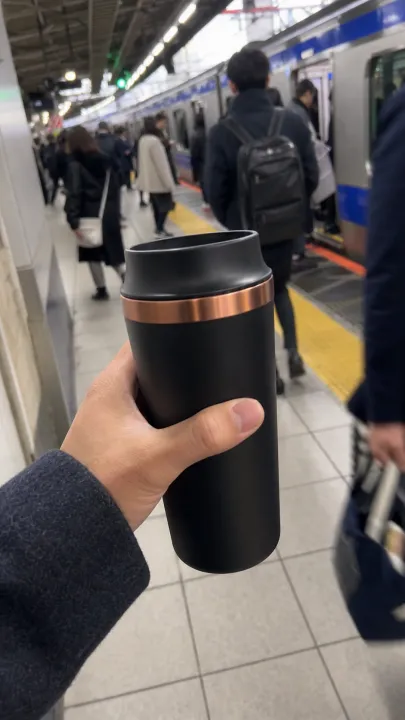 JP · JATokyo Variant
Use the web app for hands-on batch creation or the API for recurring catalog and campaign workflows across products, markets, and accounts.
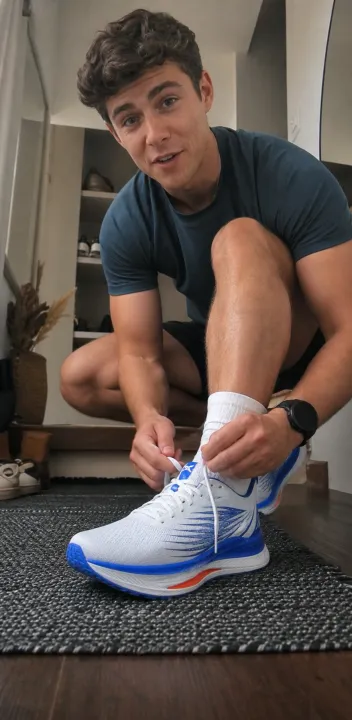 Brand 01Launch Batch
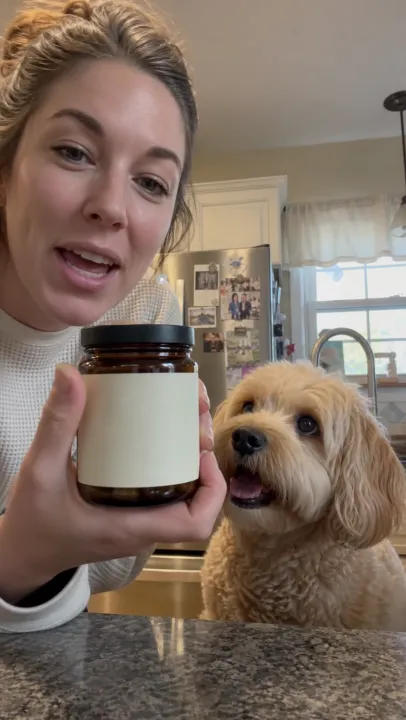 Brand 02Always-on Ads
 Brand 03Seasonal Offer
From product data to channel-ready ads
Product information is enough to start. Growth Studio selects a creative direction and builds the ad automatically, while still allowing your team to add an idea or reference when more control is needed.
Vary hooks, markets, languages, aspect ratios, durations, and visual treatments. Give your media team distinct assets to test instead of minor edits of the same video.
Frequently asked questions
Straight answers for teams evaluating a faster product-led video ad workflow.
PixVerse Growth Studio is a web- and API-based tool that turns product information into batches of ready-to-review video ads across creative directions, markets, languages, formats, and durations.
No. Product information is enough to start. You can add a creative idea or reference when you want more control, but prompt writing and tuning are not required.
Yes. Growth Studio supports market and language combinations so teams can create localized variants for different target audiences from the same product source.
Traditional production manages each script, shoot, edit, and format as a separate project. Growth Studio automates much of that workflow and organizes the output as a configurable batch built for speed and scale.
Growth Studio is designed to produce ready-to-review advertising assets and applies a first quality gate to reduce obvious failures. Final creative approval, platform compliance, and campaign decisions remain with the user.
Yes. Growth Studio is purpose-built for product-led workflows. Add a product URL or select catalog items, then configure the markets and video variants needed for your campaign.
You can build multiple combinations of products, markets, languages, aspect ratios, durations, and creative directions. The web workflow shows the resulting video count and cost before generation.
Ready to scale creative?
Stop letting manual production limit the number of ideas your team can test. Turn product information into a scalable supply of varied, channel-ready video ads.