Real-Time AI Video Generation Guide: Mastering AI Video Creation
Learn how real-time AI video generation works, which tools matter most, and how to produce dynamic videos on PixVerse for marketing and content creation.
A real-time AI video generator is changing how teams create content by making high-quality video production faster and more scalable. For marketers, creators, and product teams, this means moving from long editing cycles to rapid iteration with interactive, AI-assisted workflows.
This guide explains how real-time AI video generation works, what technologies make it possible, and how to apply it in practical production scenarios on PixVerse.
What Is Real-Time AI Video Generation?
Real-time AI video generation is the process of creating or updating video content instantly with AI models. Instead of producing a fixed clip offline and waiting for long renders, the system can respond to prompts, media inputs, and edits with minimal delay.
In practice, users can input text, images, or audio and generate dynamic video outputs that are usable for social content, product marketing, and interactive media experiences.
For the most interactive end of this category, see PixVerse R1 real-time AI video world model, which focuses on continuous worlds that respond during a live session rather than fixed video exports. For gaming specifically, the PixVerse Game Engine deep dive explains how R1 powers real-time interactive game experiences.
How AI Video Synthesis Works
AI video synthesis combines multiple capabilities:
- Deep learning models to understand visual structure and temporal continuity
- Multimodal processing to map text, image, and audio signals into video output
- Fast sampling and optimization pipelines to reduce latency during generation
These systems enable smoother motion, more coherent scenes, and faster turnaround for creators who need to publish frequently.
Key Technologies Behind Dynamic Video Content
Modern real-time AI video systems often rely on:
- Spatial-temporal modeling for consistency across frames
- Autoregressive generation for sequence continuity
- Natural language understanding for prompt-driven control
- Latency-aware inference for interactive usage
Together, these technologies make AI-generated video practical for both creative experiments and business workflows.
Which AI Video Creation Tools Are Best for Automated Production?
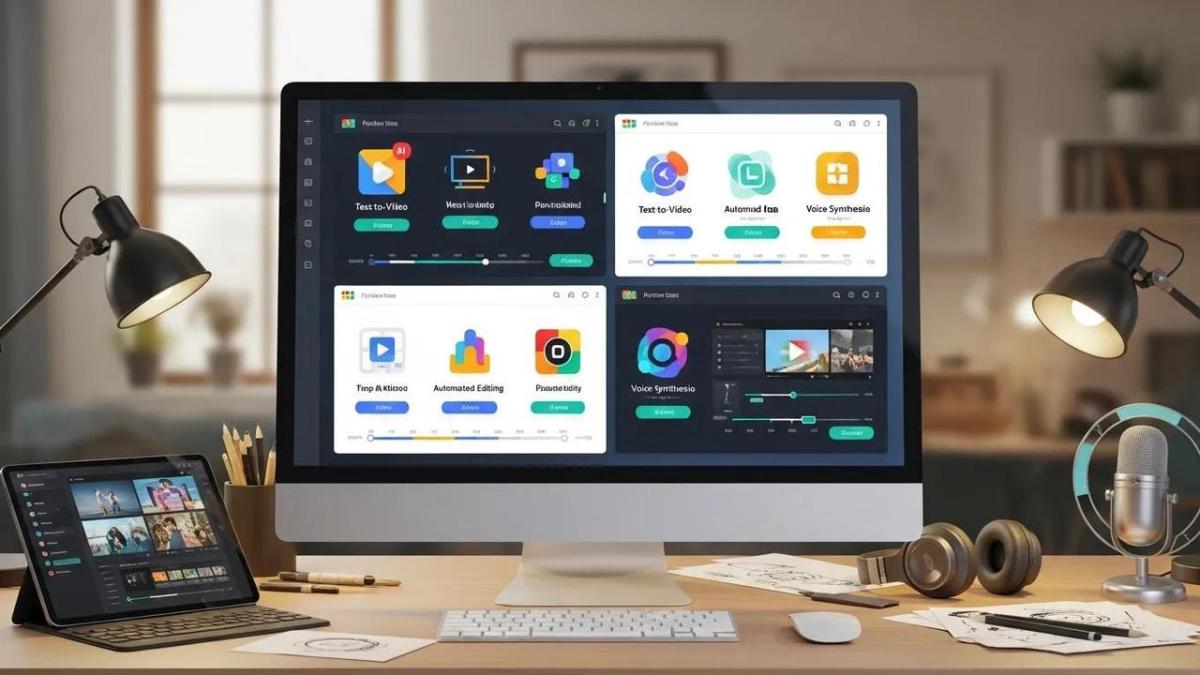
The best tools depend on your workflow, but a few capabilities consistently matter:
- Ease of use: intuitive controls for non-technical users
- Automation depth: clip selection, transitions, and enhancement support
- Customization: templates, styles, and brand-level editing options
- Performance: stable output quality with fast generation speed
For teams producing content at scale, these factors directly impact output quality, publishing cadence, and production cost.
How PixVerse Enables Real-Time Video Creation
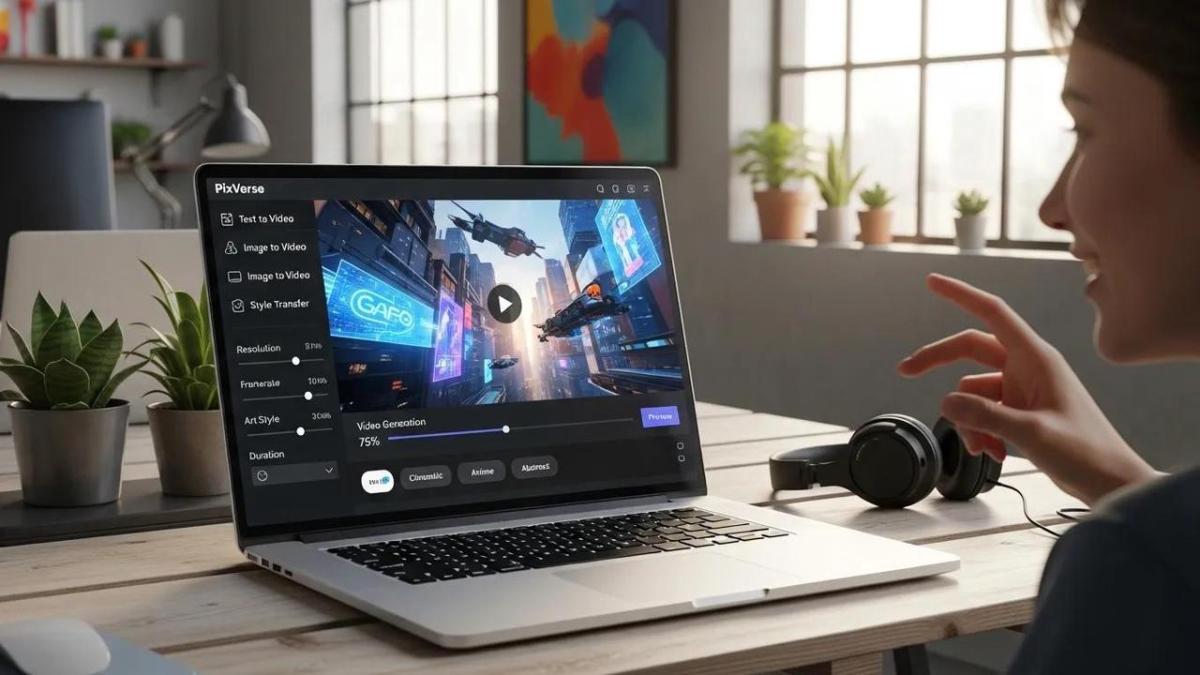
PixVerse provides a unified environment for real-time AI video creation, helping users move quickly from idea to publishable video.
Core capabilities include:
- Real-time generation for fast content iteration
- Multimodal input support for text, images, and other media types
- Streaming-friendly workflows for interactive and live scenarios
- Low-latency response behavior for prompt-to-output efficiency
Explore the platform at PixVerse, and review technical guidance in the PixVerse Documentation.
How Marketers and Creators Can Use It Effectively
Real-time AI video generation is especially useful when teams need speed, volume, and personalization.
Common Use Cases
- Catalog and product ads: generate many video variants quickly
- Brand campaigns: create controlled visual styles with fast revision loops
- Social media publishing: tailor short-form assets by audience segment
- Education and tutorials: convert structured content into visual explainers
Integration with Marketing Automation
When connected with campaign tooling, AI video generation supports:
- Faster workflows with less manual editing overhead
- Audience-specific creatives based on segment-level messaging
- Data-informed optimization through performance feedback loops
Steps to Create Your First AI Video on PixVerse
Use this simple workflow to get started:
- Sign up at PixVerse Onboarding.
- Choose a template or start from a blank setup.
- Add your core inputs (text, images, or audio).
- Customize pacing, effects, and transitions.
- Generate and review the output in real time.
- Export and publish based on your target channel.
Troubleshooting Tips
- Slow rendering: check network stability and retry with lighter assets
- Output mismatch: refine prompts and ensure input media aligns with intent
- Quality concerns: increase source resolution and iterate with clearer prompts
Tool Comparison Snapshot
| Tool | Feature | Typical Application |
|---|---|---|
| PixVerse | Real-time video generation | Interactive and scalable content creation |
| Adobe Premiere Pro | Automated editing tools | Traditional editing workflow acceleration |
| Lumen5 | User-friendly interface | Fast marketing video production |
Conclusion
Real-time AI video generation is becoming a practical standard for modern content production. With the right platform and workflow, teams can create more video content in less time while maintaining quality and creative control.
To stay updated, visit PixVerse News.