How to Make TikTok Ads with AI Video Using PixVerse AI Video Ad Maker
Create TikTok ads with PixVerse AI Video Ad Maker: Ad Master and V6 workflows, features, best practices, formats, and optimization for stronger engagement.
Creating engaging TikTok ads can be a game-changer for businesses looking to reach a younger audience. With the rise of AI technology, making dynamic video ads has never been easier. This article will guide you through the process of creating TikTok ads using PixVerse, an AI-driven video creation platform. You will learn how to leverage AI tools to streamline your ad creation process, ensuring high-quality output that captures attention. Many marketers struggle with the time-consuming nature of video production, but with PixVerse, you can efficiently create compelling ads that resonate with your target audience. We will cover step-by-step instructions, the features of PixVerse, best practices for ad creation, and how to optimize your ads for maximum impact.
If you sell apparel or fashion products, start with the best AI fashion video generator guide to compare product-image-to-try-on workflows before building the final TikTok ad.
Step-by-Step Instructions
Creating TikTok ads using PixVerse involves several straightforward steps that ensure you can produce high-quality content quickly.
Sign Up and Log In
To get started, you need to create an account with PixVerse. Visit the PixVerse website or download the app, then follow these steps:
- Click on the “Sign Up” button.
- Fill in your details to create an account.
- Log in using your credentials.
This process is simple and allows you to access all the tools available for ad creation.
Choose the Right Tool
PixVerse offers different tools tailored for various ad creation needs. The two primary tools are Ad Master and PixVerse V6.
- Ad Master: Best for quick ad generation with minimal input.
- PixVerse V6: Ideal for users who want more creative control and customization options.
Selecting the right tool depends on your specific requirements and the complexity of the ad you wish to create.
Using Ad Master
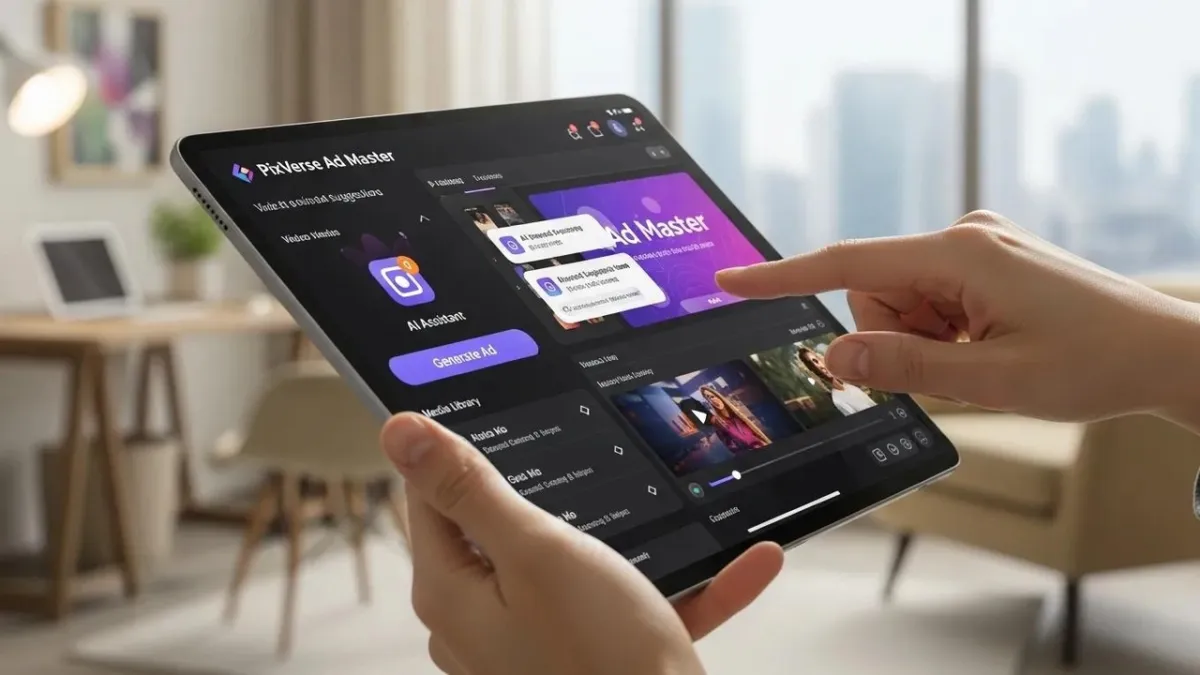
Once you have chosen Ad Master, follow these steps to create your ad:
- Upload a product photo that you want to feature.
- Fill in the necessary text fields, including your ad copy.
- Click on the “Generate Video” button to create your ad.
This tool simplifies the ad creation process, allowing you to focus on your message rather than technical details.
Using PixVerse V6
For those opting for PixVerse V6, the process is slightly different but offers more flexibility:
- Write a detailed text prompt that describes your ad.
- Select the desired aspect ratio for TikTok.
- Click “Generate Video” to see your creation come to life.
This tool is perfect for users looking to craft unique and engaging ads.
Review and Edit
After generating your video, it is crucial to review and edit it to ensure it meets your standards.
- Watch the generated video carefully.
- Make necessary adjustments to improve video quality, such as refining text or adjusting visuals.
This step is essential for creating polished and professional ads.
Export the Video
Once you are satisfied with your ad, you can export it.
- Download the video in a watermark-free format from the PixVerse app.
- Ensure that the video is compatible with TikTok’s requirements for optimal performance.
This final step allows you to share your ad on TikTok and reach your audience effectively.
Features of PixVerse
PixVerse is packed with features that enhance the ad creation process, making it a powerful tool for marketers.
| Feature | Description | Benefit |
|---|---|---|
| AI-driven Scene Generation | Automatically creates scenes based on your input | Saves time and enhances creativity |
| Voiceover and Captions | Add voiceovers and captions easily | Improves accessibility and engagement |
| Cost-effective Production | Produces videos for approximately $2 per output | Reduces marketing costs significantly |
These features make PixVerse a valuable asset for anyone looking to create effective TikTok ads.
Best Practices for Successful Ad Creation
To maximize the effectiveness of your TikTok ads, consider these best practices:
- Use High-Quality Images: Ensure that all visuals are clear and professional.
- Craft Compelling Selling Points: Highlight the unique benefits of your product or service.
- Add Captions: Captions can help convey your message even when the sound is off.
Implementing these practices will enhance viewer engagement and improve ad performance.
What Is an AI Video Ad Maker and How Does It Simplify TikTok Ad Creation?
An AI video ad maker is a tool that utilizes artificial intelligence to streamline the video creation process. These tools simplify ad production by automating various tasks, such as scene generation and editing. The primary benefit of using an AI video ad maker is the significant reduction in time and effort required to produce high-quality ads. By leveraging AI technology, marketers can focus on strategy and creativity rather than the technical aspects of video production.
How Does PixVerse AI Video Ad Generator Work for TikTok Ads?
PixVerse’s AI video ad generator works by utilizing advanced algorithms to create videos based on user input. The platform allows users to specify their requirements, such as the type of ad, desired visuals, and text. The AI then generates a video that aligns with these specifications, ensuring high-quality output. This process not only saves time but also enhances the creative possibilities for marketers.
What Are the Benefits of Automated Video Ad Software for Marketers?
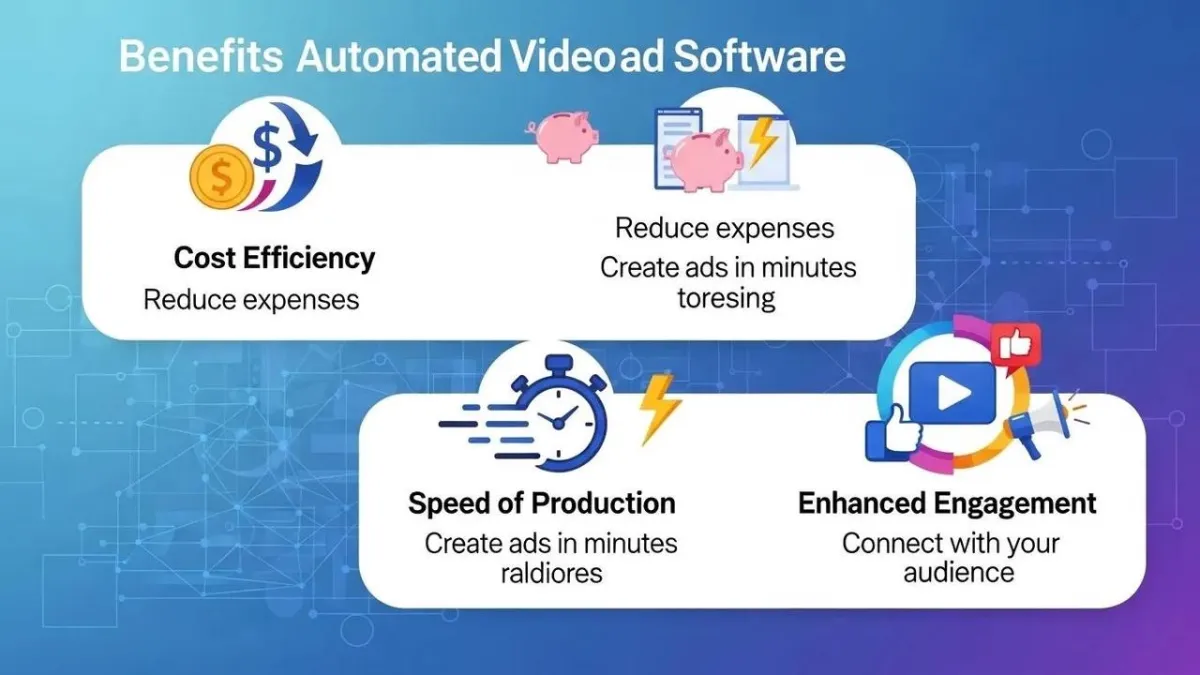
Automated video ad software offers several advantages for marketers:
- Cost Efficiency: Reduces the need for expensive video production teams.
- Speed of Production: Allows for rapid creation of ads, enabling quick responses to market trends.
- Enhanced Engagement: Automated tools often include features that optimize ads for better viewer interaction.
These benefits make automated video ad software an essential tool for modern marketers.
Which TikTok Video Ad Formats Can You Create with AI Video Tools?
AI video tools like PixVerse enable the creation of various TikTok ad formats, including:
- In-Feed Ads: These ads appear in users’ feeds and can be up to 60 seconds long.
- Branded Hashtag Challenges: Encourage user participation and engagement.
- TopView Ads: These ads appear when users open the app, ensuring maximum visibility.
Understanding these formats helps marketers choose the best approach for their campaigns.
What Are the Most Effective TikTok Ad Formats for Engagement?
The most effective TikTok ad formats for engagement include:
- Vertical Format: Optimized for mobile viewing, capturing user attention.
- Short Duration: Ads that are concise tend to perform better.
- Use of Captions: Captions enhance understanding and retention of the message.
These formats are designed to maximize viewer engagement and drive action.
How to Optimize AI-Generated TikTok Ads for Maximum Impact?
To optimize your AI-generated TikTok ads, consider the following strategies:
- Format and Length: Ensure your ads are formatted correctly for TikTok and keep them short.
- Engaging Start: Capture attention within the first few seconds.
- A/B Testing: Experiment with different versions of your ads to see which performs best.
Implementing these strategies can significantly enhance the effectiveness of your TikTok ads.
How to Create TikTok Ads Step-by-Step Using PixVerse AI Video Ad Maker?
Creating TikTok ads with PixVerse involves a systematic approach:
- Setup Process: Sign up and log in to your PixVerse account.
- Content Creation Steps: Choose the right tool and follow the steps to generate your ad.
- Optimization Techniques: Review, edit, and optimize your ad before exporting.
This structured approach ensures that you create effective ads that resonate with your audience.
How to Integrate TikTok Ad Manager with AI Video Ad Software?
Integrating TikTok Ad Manager with PixVerse is a straightforward process:
- Choosing the Right Tool: Ensure you have the correct version of PixVerse for integration.
- Exporting the Video: Download your ad in a compatible format.
- Monitoring and Optimizing Ads: Use TikTok Ad Manager to track performance and make necessary adjustments.
This integration allows for seamless ad management and optimization.
What Are AI Video Personalization Techniques to Boost TikTok Ad Performance?
AI video personalization techniques can significantly enhance ad performance by tailoring content to individual viewer preferences. Techniques include:
- Dynamic Scene Generation: Automatically adjusts scenes based on viewer data.
- User-Generated Content Simulation: Incorporates elements that resonate with target audiences.
- Automated A/B Testing: Tests different versions of ads to find the most effective approach.
These techniques help create more relevant and engaging ads for viewers.
Further research highlights how AI-driven personalization is fundamental to boosting user engagement and the success of viral marketing on TikTok.
What Case Studies Demonstrate Success Using AI Video Ad Generators?
Several case studies highlight the success of AI video ad generators in driving engagement and conversions. For instance:
- Brand X: Increased engagement by 50% using personalized video ads.
- Brand Y: Achieved a 30% higher conversion rate with AI-generated content.
- Brand Z: Reduced production costs by 40% while maintaining ad quality.
These examples demonstrate the effectiveness of AI video ad generators in modern marketing strategies.
To learn more about the latest updates and news, you can visit the PixVerse news section.
For those interested in promoting PixVerse, the affiliate program offers opportunities for partnership.
If you are looking for more in-depth information and documentation, you can explore the PixVerse documentation.
Teams that need to plan product-focused creative beyond a single clip can start in the PixVerse Marketing Hub.