GPT Image 2.5 Flare vs Sunburst: Which Should You Use?
Compare GPT Image 2.5 Flare and Sunburst for fast image generation, precise editing, creative iteration, product visuals, and campaign production.
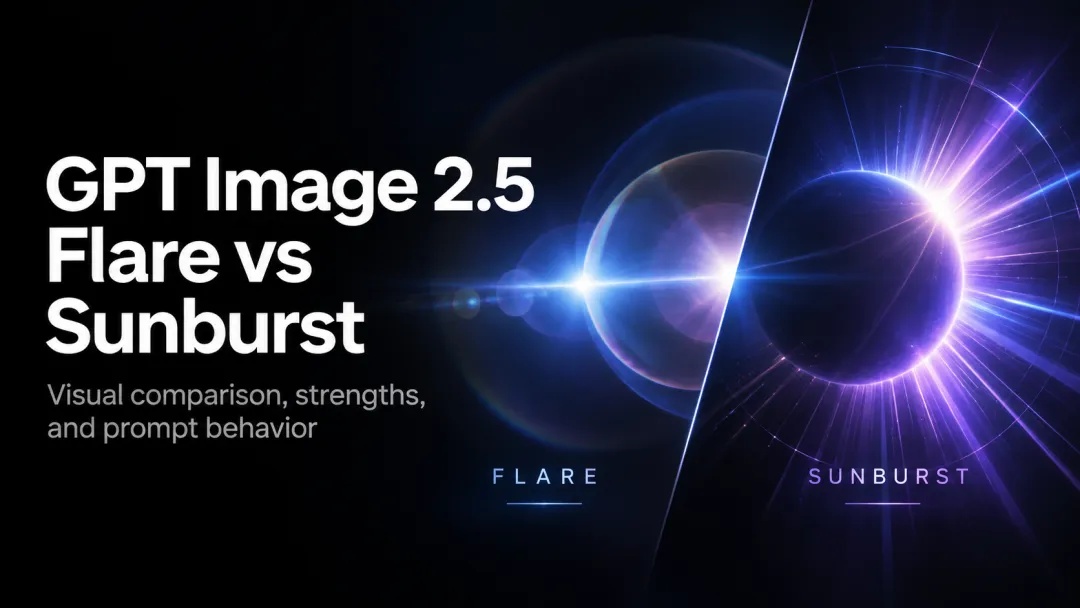
GPT Image 2.5 Flare and Sunburst are designed for different moments in a creative workflow. Flare is the practical starting point when a team needs many image directions quickly. Sunburst is the better fit when one selected image needs careful, repeatable refinement.
On PixVerse, use the same brief to explore a concept, then keep the version that needs the fewest corrections before moving into image-to-video or campaign production.
Notice: For 14 days from the official launch, GPT Image 2.5 Flare and Sunburst are available at no credit cost to eligible overseas PixVerse members. Standard, Pro, Premium, and App Elite members can use all available resolutions and Quality settings, including reference-image generation, on Web, Canvas, PixVerse App for Android, and PixVerse Lite for iOS. Ultra members retain their existing unlimited-use benefit. The offer ends at the same time across all platforms, after which eligible plans return to regular credit pricing.
Quick Verdict
Choose Flare for social variations, moodboards, product concepts, and other high-volume work. Choose Sunburst for product photography, campaign hero images, and multi-turn edits where a label, shadow, composition, or subject detail must remain stable.
| Workflow need | Better starting point | Why |
|---|---|---|
| Fast concept exploration | Flare | It is built around rapid creative iteration. |
| Large batches of social assets | Flare | Throughput matters more than one-image precision. |
| Editing an existing hero image | Sunburst | It prioritizes control across successive edits. |
| Ecommerce product imagery | Sunburst | Fine details and product consistency are more important. |
Where Flare Fits
Flare works best before a team has committed to one composition. A social producer can test several campaign directions, a designer can create reference material for a pitch, and a product team can compare visual treatments without slowing the review cycle.
Keep prompts specific about the subject, setting, audience, and intended format. For a batch, keep the core brief fixed while changing only one variable at a time, such as lighting, background, or visual style. That makes the resulting set easier to evaluate.
Where Sunburst Fits
Sunburst is suited to the final-mile stage. Start with a selected image, then make targeted changes: adjust lighting, replace a background, correct a product label, or refine the placement of a graphic element. Its value is consistency across a sequence of deliberate edits.
For the strongest results, make one meaningful change per prompt and check that product geometry, brand colors, and text remain correct before continuing. This approach is especially useful for retail images and campaign key visuals.
A Two-Stage Creative Workflow
- Generate several visual directions with Flare.
- Select the strongest composition for the brief.
- Use Sunburst to refine the chosen asset without changing its core structure.
- Bring the approved still into PixVerse for image-to-video, social adaptations, or other production work.
Final Takeaway
Flare and Sunburst are complementary rather than competing choices. Flare helps a team discover the right direction quickly; Sunburst helps it finish that direction with more control. Match the model to the point in your workflow where speed or precision matters most.
Continue Comparing GPT Image 2.5
Explore how GPT Image 2.5 compares with FLUX 2 Pro, GPT Image 2, Nano Banana 2, and Seedream 5.0. For prompt techniques and a broader evaluation, read the GPT Image 2.5 Review and Prompt Guide. For hands-on creation and focused editing, visit the GPT Image 2.5 model page.