AI Storyboard Generator: Plan Ads, Demos, and Short Films
Plan ads, product demos, and short films with an AI storyboard generator. Turn a creative brief into a scene list, references, prompts, and a video plan.
An AI storyboard generator helps turn an early idea into a sequence that a creative team can review before committing to a full edit. Instead of beginning with isolated prompts, start with the purpose of the video, the audience, the key message, and the final format. The result is a clearer plan for every scene, reference, transition, and call to action.
For short-form ads, product demos, and narrative experiments, the storyboard is the bridge between a brief and a usable set of video-generation prompts. It gives every shot a job and makes revisions easier to discuss.
What an AI Storyboard Generator Does
A traditional storyboard maps a story into frames. An AI-assisted workflow can make that first pass faster by helping you organize a brief into a scene list, draft visual directions, and prompt-ready descriptions.
It is most useful when it supports decisions such as:
- What should the viewer understand in the first few seconds?
- Which product detail, action, or emotion belongs in each shot?
- Where should the video change pace, setting, or camera angle?
- Which references define the character, product, lighting, and brand treatment?
The storyboard is a plan, not a finished video. Review each scene for accuracy, brand fit, and continuity before generating final clips.
Start With a Production Brief
The best storyboard inputs are specific without being overly prescriptive. Before opening an AI tool, write down the essentials:
- Goal: awareness, a product explanation, a launch, or a conversion-focused ad.
- Audience: who is watching and what problem or interest brings them to the video.
- Format: vertical social clip, product-page demo, presentation, or a longer narrative piece.
- Core message: the one idea the viewer should remember.
- Required assets: product photos, logos, brand colors, characters, or approved reference imagery.
- Constraints: duration, platform-safe claims, legal copy, and any visual elements that must not change.
This brief becomes the source of truth for the scene descriptions that follow.
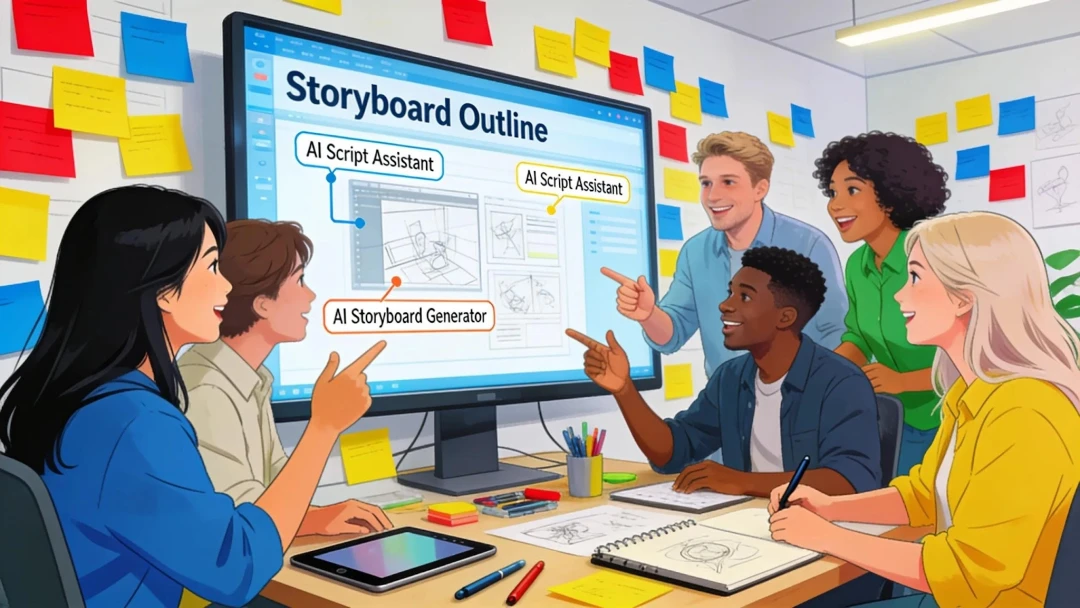
A Practical AI Storyboard Workflow
1. Turn the idea into a scene list
Write a one-sentence summary for the video, then break it into a small number of visual beats. A 15-second product video may need only four or five scenes; a short film concept may need more room for setup, change, and resolution.
For each scene, note the subject, action, setting, camera framing, mood, and on-screen message. Use plain language first. Prompt wording can be refined after the story itself makes sense.
2. Give every shot one job
Avoid trying to explain the entire product or story in every frame. A clear sequence often gives each shot a single purpose:
- Stop the scroll with a recognizable moment or question.
- Establish the product, character, or setting.
- Show the key action or benefit visually.
- Add supporting detail, proof, or an emotional payoff.
- End on the product, brand, or next step.
This approach also makes it easier to replace a weak clip without rewriting the whole concept.
3. Define visual rules before generating
Create a short visual guide for the storyboard: aspect ratio, color palette, lens feel, motion style, lighting, typography treatment, and recurring props. For product work, include the exact packshot or reference image that must stay recognizable.
Reference images help keep separate scenes connected. If a clip needs a distinct style shift, make that a deliberate storyboard choice rather than an accidental prompt variation.
4. Generate short tests and review continuity
Generate scene tests before producing a complete sequence. Check whether the product remains accurate, the character looks consistent, motion supports the message, and every clip has room for captions or a final edit.
You can use PixVerse to explore short AI video concepts from text and reference media, then compare the results against the storyboard rather than judging clips in isolation.
Storyboard Templates by Use Case
Product demo video
A concise demo can follow a simple progression: hook, context, interaction, result, and call to action. Start with the problem or the product in use, then keep the important interaction visible long enough for the viewer to understand it. Close with a clean product shot that leaves space for a next step.
Ecommerce or social ad
For a vertical ad, use the opening seconds for the strongest product moment. Follow with one or two details that make the offer easier to understand, then return to a clear image of the item. Keep text claims reviewable and make sure any generated setting supports, rather than distracts from, the product.
Short film concept
For a short narrative, storyboard the emotional change as well as the plot. Define the opening image, the event that changes the situation, the moment of tension, and the final visual. This gives AI-generated clips a structure that can survive experimentation with shots and styles.
Common Storyboard Mistakes
- Starting with a visual style before deciding what the viewer needs to learn.
- Using too many scene changes for the available duration.
- Writing prompts without specifying what must remain consistent across shots.
- Letting generated motion hide the product or key action.
- Treating the first generated clip as final without checking continuity, rights, and brand accuracy.
FAQ
Can AI create a full storyboard from a single idea?
AI can help draft a scene sequence from a short brief, but the result needs human review. Add the product facts, audience context, brand references, and approval constraints that an initial prompt cannot know.
What should I include in an AI storyboard prompt?
Include the subject, action, setting, camera framing, visual mood, duration, format, and any reference asset that needs to stay consistent. State the scene’s purpose so the prompt serves the story rather than only describing an image.
Is a storyboard the same as a finished video?
No. A storyboard defines the intended sequence and visual direction. It is the plan you use to generate, select, edit, and assemble the finished clips.
Start with a focused brief, make the story visible one scene at a time, and use each test generation to improve the next version of the plan.