Amazon Product Video Maker: Turn Listing Images Into Videos With AI
Use an AI Amazon product video maker to turn listing images into clear product demos, lifestyle clips, and marketplace-ready video concepts.
Listing images can explain what a product looks like. Video can add the context that still images cannot: scale, use, texture, sequence, and the moment a product solves a problem. An AI product video workflow makes it practical to explore those ideas from approved listing images before investing in a larger production.
The goal is not to add movement everywhere. It is to make the product easier to understand quickly, while keeping the item, claims, and brand presentation accurate.
What an Amazon Product Video Needs to Do
A useful product video answers the questions a shopper would otherwise have to infer from images. It can show how an item is used, focus on a material detail, establish size in a realistic setting, or guide attention to an included feature.
Before generating anything, choose one primary job for the video:
- Introduce the product and its intended use.
- Demonstrate a setup, interaction, or before-and-after moment.
- Highlight one feature that benefits from motion or scale.
- Place the product in a lifestyle setting that clarifies who it is for.
Trying to cover every benefit in one short clip usually produces a crowded story. A focused concept is easier to generate, edit, and review.
Prepare Listing Images Before You Generate
Use the most accurate, highest-quality product images you have permission to use. A clean hero image is especially important because it anchors the product’s shape, color, label, and proportion.
For each image, check the following before it enters the workflow:
- The product is unobstructed and matches the version being sold.
- Text, logos, packaging, and colors are readable and current.
- The background supports the intended shot or can be deliberately replaced.
- You have rights to every image, logo, person, and visual reference.
- Claims, prices, comparisons, and endorsements have a separate approval process.
These checks help prevent a visually appealing generated clip from creating a misleading product representation.
A Five-Step AI Product Video Workflow
1. Choose the objective and placement
Decide where the final video will appear and what should happen after someone sees it. A product detail clip, a lifestyle demonstration, and a launch teaser need different pacing. Set the target aspect ratio, duration, and required safe area for any captions before generation begins.
2. Select a hero image and a simple story
Choose one reference image that clearly represents the product. Then make a short shot list. A common sequence is:
- A clear opening product view.
- A close-up or use moment that explains the feature.
- A lifestyle, scale, or result scene that adds context.
- A final product frame with room for an approved call to action.
The sequence does not need to be complicated to feel polished. Each shot should contribute one new piece of understanding.
3. Generate motion around the product
Describe the movement that serves the product: a hand opening a container, a slow camera move around a material detail, a product appearing in a relevant setting, or a transition between use cases. Keep the instruction specific about what must not change.
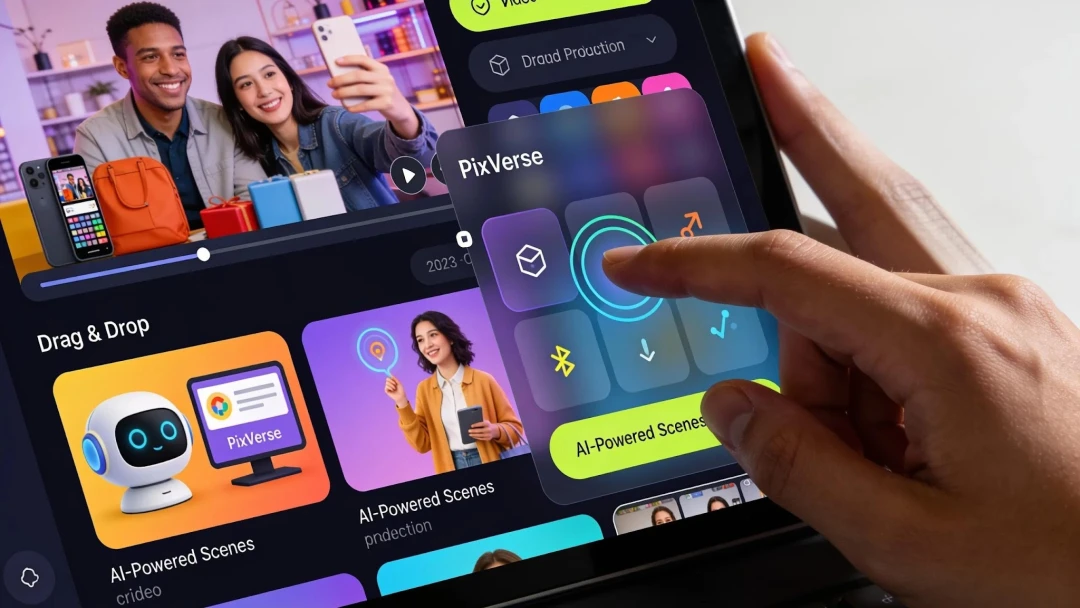
Use PixVerse to test text-to-video and image to video AI concepts from your approved references. If you are exploring a performance-marketing concept, the PixVerse Ad Master workspace can be a starting point for creating variations to review.

4. Review product fidelity before editing
Watch the clips with the source listing images alongside them. Check product shape, count, color, packaging, controls, and any scene interaction. Remove or regenerate any moment that makes an unsupported claim or shows a feature the product does not have.
5. Edit for clarity, then export for the destination
Trim the opening so the product is visible immediately. Add captions only when they improve comprehension, and keep them legible on mobile. Export a version that fits the channel, then review the final file against the current marketplace requirements, brand guidelines, and product listing.
Product Video Styles to Test
Feature demonstration
Use this style when the value lies in an action. Show the interaction, then give the viewer enough time to understand the outcome. It works well for tools, accessories, home products, and devices with visible controls.
Detail and texture
Close-up movement can make materials, finishes, and craftsmanship easier to inspect. Keep camera motion measured so it adds information rather than making the product difficult to see.
Lifestyle context
Place the product in the situation it is designed for. The environment should clarify scale, audience, or use case without suggesting unverified performance or including distracting visual details.
A Review Checklist Before Publishing
- Does the opening make the product recognizable without relying on text?
- Does every product detail match the listing and approved source material?
- Are captions, claims, comparisons, and calls to action approved?
- Is the product visible for enough time to understand its use?
- Do music, voice, people, and reference assets have the required rights?
- Does the exported file meet the latest technical and policy requirements for its destination?
Marketplace requirements can change, so review the current Amazon guidance that applies to your category and account before submitting a final video.
FAQ
Can AI turn Amazon listing images into a product video?
AI can help create motion-based concepts from product images and written scene directions. Use accurate source assets and review every generated scene so the final video remains faithful to the actual product.
Should every listing image become a video scene?
No. Select the images that best support the story. A short video is clearer when each scene adds a distinct point, such as a feature, use moment, or detail.
How long should a product video be?
Use only as much time as the message needs. Begin with the product, prioritize the key interaction or benefit, and edit out shots that do not improve a shopper’s understanding.
With a clear source image, a focused scene list, and a careful review process, AI video tools can help teams develop product-video concepts more efficiently while keeping the product at the center of the story.