Gemini Omni Flash Guide: Prompts, Safety Risks, SynthID and PixVerse Workflow
Learn what Gemini Omni Flash can do, how to try it on PixVerse, how SynthID works, and how to write safer prompts for original AI videos.
Gemini Omni Flash is now Google’s official Gemini video model for mixed-input creation and conversational editing. Announced during the Google I/O 2026 cycle on May 19, 2026, it can work from text, images, audio, and video references to produce high-resolution video with audio, and Google now exposes the preview model gemini-omni-flash-preview through the Gemini API.
For creators, the practical question is no longer only what Gemini Omni can generate. It is whether a generated clip is safe to publish or use commercially. Google says Omni videos include SynthID digital watermarking, while recent media tests show that prompts can still push the model toward highly recognizable IP-style characters.
July 2026 update: Gemini Omni Flash is now an official Google release, rolling out through Gemini app, Google Flow, YouTube Shorts Remix, YouTube Create, and the Gemini API preview model
gemini-omni-flash-preview. Google says Omni-generated videos include SynthID digital watermarking and can be verified through Gemini app, Gemini in Chrome, and Search. At the same time, TechRadar’s June 2026 testing reported that Gemini Omni could produce videos resembling well-known superhero/IP characters when prompted carefully. That does not mean creators can legally publish or commercialize those outputs. Copyright, likeness, trademark, music, and platform-rule checks still matter.
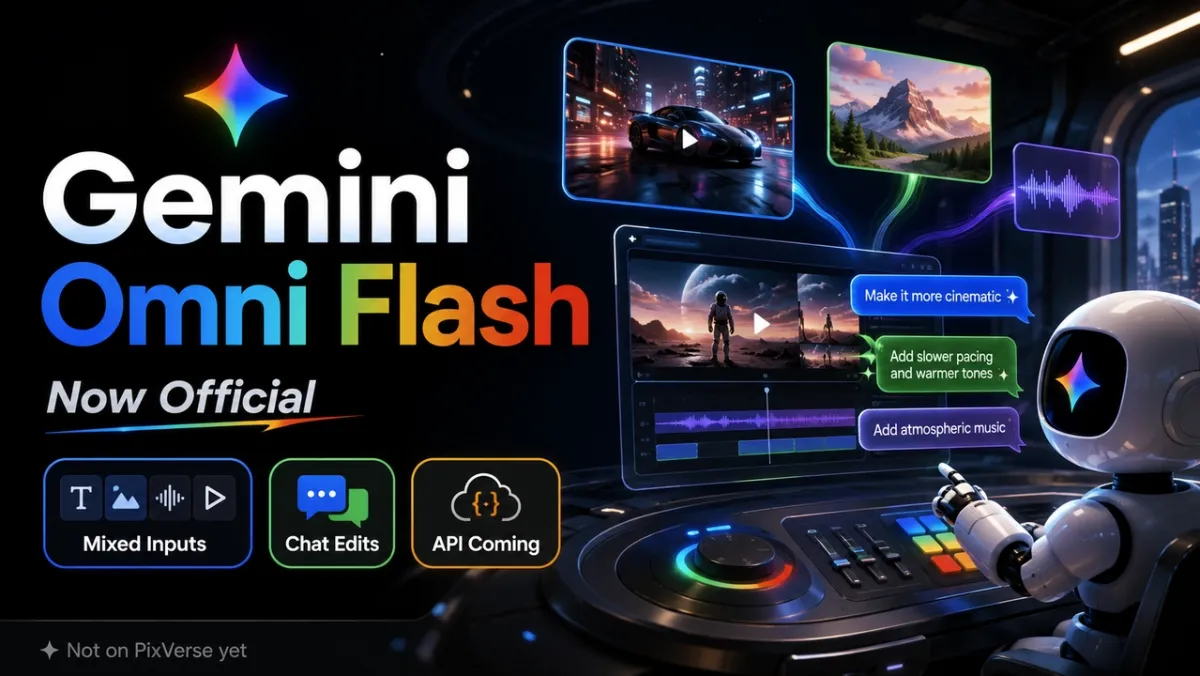
What Google Officially Announced
Google’s official Gemini Omni announcement reframed Omni from a rumor into a product. The first model is Gemini Omni Flash, a Gemini-family creative model that combines Gemini reasoning with generative media capabilities. Google’s broader I/O 2026 announcement roundup also confirms the main rollout surfaces and safety signals.
The official launch answers the biggest questions from the earlier leak cycle: Gemini Omni is the product family, Gemini Omni Flash is the first model, and the initial focus is video with audio from text, image, audio, and video inputs. Google is rolling it out through Gemini, Flow, YouTube Shorts Remix, YouTube Create, and the Gemini API preview model gemini-omni-flash-preview. Google says YouTube Shorts Remix and YouTube Create access starts for users 18+ at no cost, while Gemini app and Flow rollout depends on Google AI subscription access.
Google also says videos created with Omni include an imperceptible SynthID digital watermark. According to the I/O announcement, users can verify content through Gemini app, Gemini in Chrome, and Search. For creators and brands, that makes Omni not only a creative model but also a disclosure and provenance issue: generated clips may need AI labeling, platform compliance, and editorial review before publishing.
This changes the article’s original conclusion. The right framing is no longer “is Omni a leak?” The right framing is “what can creators and teams actually do with Gemini Omni Flash, and how should it fit into a practical AI video workflow?”
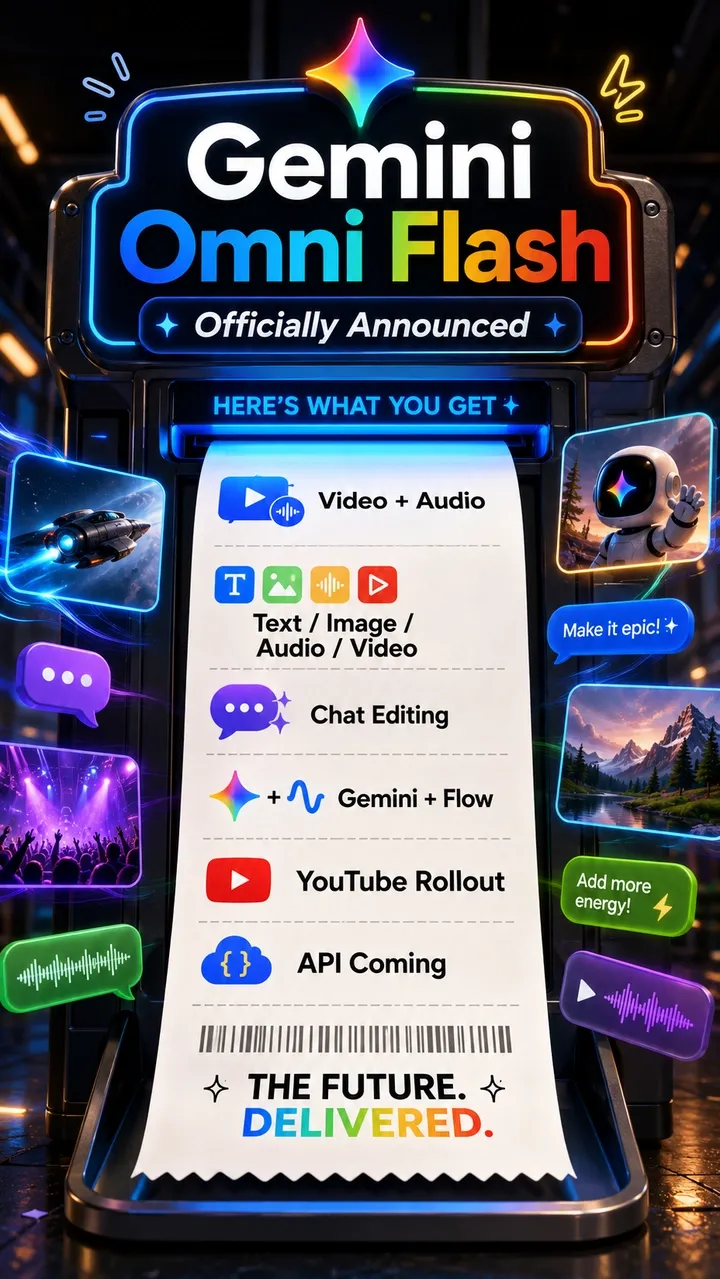
Gemini Omni Flash Model Card: Capabilities and Limits
The Gemini Omni Flash model card gives the most useful technical summary because it separates product language from model details.
Gemini Omni Flash accepts text strings, images, audio, and video files as inputs. Its output is high-resolution video with audio. Google describes the architecture as transformer-based with native multimodal support for text, vision, video, and audio inputs.
For creators, three facts matter most:
- Gemini Omni Flash is built for mixed-input video creation, not only text-to-video.
- Conversational editing is central to the workflow, not a side feature.
- Google acknowledges that consistency across edits, complex motion, and exact text rendering can still be challenging.
The major workflow change is that Omni treats video creation more like an editable conversation. A creator can generate a base scene, then ask for changes to camera angle, style, objects, action, or references without rewriting the whole prompt. Reference images, clips, drawings, audio, and text can also carry more of the creative direction than a text prompt alone.
Google also frames Omni as a model that can use Gemini’s world knowledge for historical, scientific, cultural, physical, and narrative context. That makes it interesting for explainers and social education videos, not just visual effects demos.
The limits still matter. Gemini Omni Flash is a major release, but it is not a promise that every complex prompt will land perfectly. The best way to evaluate it is still to run controlled prompts across the same categories: camera movement, object consistency, physics, text rendering, audio sync, reference adherence, and multi-turn edit stability.
Google’s model card also matters for safety planning. It says Google’s Generative AI Prohibited Use Policy applies, describes internal safety and red-team evaluations, and notes SynthID as part of the mitigation stack for verifying AI-generated content. It also says Omni is capable of changing people’s speech as part of video editing, but that capability is restricted for now while Google studies safer release paths. That is a strong signal that voice, likeness, and edited-person content should be treated cautiously.
Gemini Omni Copyright and Creator Safety Update
The most important Gemini Omni question for creators is no longer only “can it make a good video?” It is “can I safely publish this video, especially if it resembles a known character, actor, brand, or song?”
In a June 2026 test, TechRadar reported that Gemini Omni could be prompted into generating videos that looked highly similar to well-known superhero and entertainment IP. That is a useful warning for creators, not a publishing permission slip. A model producing an output does not mean the user has the legal right to post, monetize, advertise, sell, or remix that output.
The risky areas are predictable: copyrighted characters, celebrity likeness, brand logos, signature costumes, catchphrases, music, voice imitation, and platform-specific remix rules. This article’s position is simple: do not use Gemini Omni, PixVerse, or any AI video model to copy protected IP. Use these tools to make original characters, original scenes, original product ideas, and safer creative alternatives.
| Risk type | High-risk prompt direction | Safer prompt direction | Check before publishing |
|---|---|---|---|
| Copyrighted character | Generate a famous superhero or movie-universe character. | Create an original heroic character in a general action scene. | Does the output copy appearance, logo, costume, or catchphrase? |
| Celebrity likeness | Generate a specific actor, musician, athlete, or influencer. | Use a fictional person with original facial features and wardrobe. | Do you have likeness, performance, and usage rights? |
| Brand/logo | Add a real brand logo, mascot, packaging, or interface. | Use unbranded visual elements or your own approved assets. | Are trademark, ad, and brand-use rules satisfied? |
| Music/audio | Imitate a known song, singer, score, voice, or hook. | Use original, licensed, or royalty-free audio. | Are music, voice, sync, and platform rights cleared? |
| YouTube Remix | Directly transform a trending Short without checking eligibility. | Use eligible Shorts and follow platform rules and AI labels. | Did the original creator allow it, and does the result need AI disclosure? |
This is not legal advice. It is a practical creator workflow rule: if the clip depends on a recognizable protected character, a real person’s likeness, a brand asset, or a famous audio signature, treat it as high risk until someone with the right rights or legal context clears it.
Gemini Omni vs Veo: New Model or Replacement?
Gemini Omni is not simply “Veo 4 under a new name.” Google now presents Gemini Omni and Veo as separate model surfaces: Gemini Omni sits under Gemini, while Veo remains Google’s specialized video generation model line.
The practical distinction looks like this:
| Dimension | Gemini Omni Flash | Veo |
|---|---|---|
| Public positioning | Gemini-native creative model for creating and editing from any input, starting with video | Specialized Google video model line for cinematic video generation with audio |
| Main workflow | Conversational video creation and editing | Prompted video generation and Google ecosystem video workflows |
| Input emphasis | Text, image, audio, and video references | Text and image-driven video generation, depending on surface |
| Differentiator | Multi-turn edits, references, world knowledge, and mixed-input composition | Cinematic generation quality, native audio, and existing API/product integrations |
| API status as of this update | Gemini API preview model gemini-omni-flash-preview |
Existing Veo developer surfaces are already documented for current Veo models |
This matters because many creators were watching Omni as a possible Veo rebrand. The official release points to a more nuanced answer: Omni is a Gemini creative model family that starts with video, while Veo continues as a dedicated video model family.
For creators, the question is not which brand name wins. The useful question is which workflow gives you the best result for a specific shot.
Gemini Omni Prompt Guide: How to Prompt the Model
Google’s Gemini Omni prompt guide is useful because it shows a more visual way to write prompts. The strongest prompts do not only name a subject. They direct the shot like a small production brief.
Start with the frame. Tell the model whether the scene should be a wide shot, close-up, over-the-shoulder angle, macro shot, or locked-off camera. Then describe the camera behavior: push in, orbit, tilt up, dolly zoom, handheld movement, or one continuous shot.
Next, give the scene a visual language. Style, lighting, and location should work together. “Photorealistic product ad in warm desk-lamp light” gives the model a clearer target than “cool video.” “Claymation explainer on a dark tabletop” tells it both the medium and the environment.
Then define the action. Who moves? What changes? What must stay stable? For text-heavy videos, specify the exact words, where they appear, and whether extra text is allowed. For audio, say whether you want room ambience, music, sound effects, synchronized beats, or no music at all.
For Omni edits, keep the instruction surgical. A good edit prompt says what to change and what to preserve: same character, same room, same timing, but a new object, camera angle, or style. That matters because Omni is designed around multi-turn refinement.
How to Prompt Gemini Omni Safely
Safe prompting does not mean making boring videos. It means giving the model a strong creative direction without asking it to clone protected IP, a real person, or a restricted brand asset.
Do not write prompts that name specific copyrighted characters, movie universes, superhero teams, actors, musicians, or trademarked costumes. Avoid asking for a “nearly identical” look, a famous logo, a signature color-and-costume combination, a catchphrase, a known song, or a real performer’s face or voice. Even if the model accepts the prompt, the output may still be risky to publish or commercialize.
Use original descriptions instead. Instead of asking for a famous superhero, describe an original heroic character with a new silhouette, original costume, and generic action premise. Instead of naming a movie franchise, ask for “comic-book energy,” “cinematic rescue scene,” “high-stakes city rooftop action,” or “stylized graphic-novel lighting.” Instead of using a celebrity, describe a fictional person with age range, mood, wardrobe, and posture without copying an identifiable face.
When you have rights to source material, use your own images, footage, product assets, approved brand kit, or licensed audio as references. Before a commercial release, check platform rules, asset licenses, music rights, voice rights, likeness releases, trademark usage, and whether the clip needs AI disclosure or SynthID verification.
Safer Gemini Omni Prompt Pattern
Use this structure when you want strong results without leaning on protected IP:
Create a 10-second original cinematic video. The subject is [original character/product/scene], not based on any existing franchise or real person. The action is [specific motion]. The camera does [specific camera move]. The visual style is [broad style or mood, not a named IP]. Use [lighting/location/materials]. Avoid logos, copyrighted characters, celebrity faces, exact brand colors, catchphrases, and music imitation. Use original audio or ambient sound only.Three Prompts We Would Test First
These prompts are designed as real test prompts, not decorative examples. They cover three different angles: cinematic camera control, world-knowledge explainer output, and text-synchronized social video. They also avoid named IP, celebrity likeness, brand logos, and music imitation. Test them in Gemini Omni Flash if your Google account has access. You can also adapt the same creative briefs for PixVerse’s currently available video models to compare motion, style, audio, and text handling across tools.
Prompt 1: Cinematic Camera and Consistency Test
Create a 10-second 16:9 cinematic video in one continuous shot. A young product designer sits at a small desk beside a rainy window, opens a sketchbook, and a compact silver drone design rises from the page as a realistic hologram. The camera starts as a close-up on the pencil tip, slowly pulls back to a medium shot, then gently orbits left as the hologram rotates above the page. Warm desk lamp light, cool blue rain outside, shallow depth of field, realistic hand motion, no subtitles, no logos, natural room ambience only.Why this prompt works: it tests shot progression, identity consistency, lighting contrast, object stability, and whether the model can keep the scene coherent without cutting away.
Prompt 2: World Knowledge Explainer Test
Create a 10-second educational explainer video about the difference between classical computing and quantum computing. Use a tactile stop-motion paper-craft style on a dark tabletop. Show a single classical bit as a small paper switch flipping between 0 and 1, then show a qubit as a glowing paper coin spinning with both states implied before measurement. Use clear visual metaphors, accurate motion, soft overhead light, no human hands, no voiceover, no on-screen text except the exact labels "bit" and "qubit" placed beside the objects.Why this prompt works: it tests whether the model can turn a concept into visual logic, manage limited text, and avoid overexplaining through clutter.
Prompt 3: Text and Rhythm Social Video Test
Create a 9-second horizontal 16:9 social video for an AI video creation tip. A clean black studio background with a floating glass timeline interface stretched across the frame. Each word appears one at a time in perfect rhythm with soft electronic clicks: "prompt", "reference", "motion", "lighting", "sound". Each word has a different tasteful animation style, but the timeline and camera stay stable. End with all five words arranged as a neat widescreen checklist. High contrast, crisp typography, no extra words, no brand names.Why this prompt works: it tests typography, timing, widescreen layout, and whether the model respects exact text constraints.
What We Saw in the Test Videos
We would not treat these three clips as a full benchmark, but they are useful stress tests because each one asks Gemini Omni Flash to do something different: cinematic continuity, concept reasoning, and exact text control.
In the cinematic desk scene, Omni handled mood better than mechanics. The rainy window, warm desk lamp, pencil movement, shallow depth of field, and close-up framing all landed well. The clip feels polished and emotionally coherent, with a believable hand, sketchbook, and production-design atmosphere. The weaker point is prompt completion: the drone sketch is visible, but the requested silver drone hologram is not the dominant visual payoff. That makes this clip a good example of Omni’s strength in cinematic texture and scene mood, while also showing that complex “reveal” moments still need tighter prompting or follow-up edits.
The quantum explainer is the most logically successful test. The bit and qubit cards are readable, the paper-craft tabletop style matches the prompt, and the comparison is easy to understand at a glance. Omni does a good job turning an abstract concept into a simple visual metaphor, which is exactly where world-knowledge-aware video generation can become useful for education and short explainers. The main issue is constraint adherence: the prompt asked for no human hands, but a hand appears in the scene. The concept still works, but this is the kind of detail a production team would need to catch before publishing.
The text-and-rhythm clip is the clearest limitation case. The glass timeline interface and widescreen composition look stylish, and the motion concept is easy to read. But the exact words break down: the model turns the requested sequence into distorted or repeated text, including misspelled fragments. For social videos, that matters. If the creative depends on exact typography, checklist language, brand copy, or UI labels, Omni still needs careful review and likely multiple edit passes.
Across the three tests, Omni looks strongest when the prompt describes mood, camera language, lighting, physical materials, simple metaphors, and scene atmosphere. It is less reliable when the output depends on exact text, strict negative constraints, or a very specific transformation happening at the right moment. Our practical takeaway: use Omni first for visual ideation, cinematic scene building, education concepts, and conversational refinements; use a stricter review loop for typography, product details, factual labels, and final commercial assets.
Gemini Omni vs PixVerse: What Creators Can Use Today
Gemini Omni Flash is now live in Google surfaces and available through the Gemini API preview. PixVerse is adding Gemini Omni Flash as a video model across Web, App, and Canvas, giving creators a practical way to test the model alongside other PixVerse video workflows.
In the first PixVerse integration, the scope is narrower than the full Google API. PixVerse supports text-to-video, image-to-video, and image-reference generation for Gemini Omni Flash. Creators can generate 3-10 second 720p videos, choose 16:9 or 9:16, and guide synchronized audio through the prompt. Reference mode supports up to five JPEG or PNG images that can be cited in prompts as @image1 through @image5.
PixVerse is not treating Gemini Omni Flash as a replacement for its existing models. It sits beside PixVerse V6, PixVerse C1, Seedance, Kling, Veo, Sora, and other video options so creators can compare the same brief across workflows. For this first release, video editing, video extension, transition, video reference, and voice reference are not part of the PixVerse Gemini Omni workflow.
For a step-by-step workflow, prompt structure, and practical use cases, see our guide on how to use Gemini Omni Flash on PixVerse.
This is not a claim that one model replaces the other. The stronger workflow is to maintain a prompt test set, run it across available tools, and compare results by use case. A cinematic scene, a product ad, a text-heavy social short, and a reference-driven edit may not all perform best in the same model. For commercial work, compare not only visual quality, but also originality, review cost, asset rights, brand safety, and iteration speed.
Should Creators Use Gemini Omni Flash Now?
Use Gemini Omni Flash now if your account has access and your goal is to test conversational video editing, mixed references, Google ecosystem workflows, or fast visual ideation. It is especially relevant for concept films, social inspiration, educational explainers, visual demos, and non-commercial testing where you can review every frame before publishing.
Be more cautious with brand ads, paid campaigns, commercial releases, IP-adjacent character content, real-person likeness, videos with logos, and clips that depend on music or voice style. In those cases, creative quality is only one part of the decision. You also need asset rights, platform compliance, AI disclosure, SynthID verification, likeness permission, music clearance, and a plan for removing any accidental similarity to protected work.
Do not assume every Google API capability is available in every product surface. Gemini API now exposes gemini-omni-flash-preview, but PixVerse’s first integration focuses on generation rather than video editing. Teams should still check model IDs, pricing, quotas, regions, policy terms, content-review details, and PixVerse in-product availability before committing a production campaign.
For production, keep a multi-model workflow. Use Gemini Omni where you have access, including PixVerse when its current T2V, I2V, or image-reference scope fits the brief, and compare it with other PixVerse video workflows for original prompt benchmarks and alternative creative versions. The strongest creator workflow is not “which model is coolest?” It is “which model can create the best original clip that we can actually publish?”
FAQ
What is Gemini Omni Flash?
Gemini Omni Flash is Google’s first model in the Gemini Omni family. It is built for creating and editing video from mixed inputs such as text, images, audio, and video. Google’s model card lists high-resolution video with audio as the output.
Where can I try Gemini Omni Flash?
Google says Gemini Omni Flash is rolling out through the Gemini app and Google Flow for Google AI Plus, Pro, and Ultra subscribers globally. Google also says it is available in YouTube Shorts Remix and YouTube Create for users 18+ at no cost, with availability still dependent on rollout timing, account, region, and platform settings.
PixVerse is also adding Gemini Omni Flash to its video model options across Web, App, and Canvas. In PixVerse, current support focuses on text-to-video, image-to-video, and image-reference generation rather than the full editing workflow.
Is Gemini Omni free?
Partly. Google’s I/O 2026 announcement says Gemini Omni is available at no cost in YouTube Shorts Remix and YouTube Create for eligible users 18+. Gemini app and Flow access depends on Google AI subscription tier and rollout. Gemini API access is paid-tier preview access, and PixVerse uses its own plan and credit rules for in-product generation.
Is Gemini Omni the same as Veo?
No. Google presents Gemini Omni and Veo as separate model surfaces. Gemini Omni is positioned around Gemini-native creation and conversational editing, while Veo remains Google’s specialized video model line.
Can Gemini Omni edit existing videos?
Yes in Google’s Gemini surfaces and API preview. Conversational video editing is one of the central features Google highlights. In PixVerse’s first Gemini Omni Flash integration, however, Modify/video editing is not included yet. PixVerse currently focuses on text-to-video, image-to-video, and image-reference generation for this model.
What inputs and outputs does Gemini Omni support?
Google’s model card lists text strings, images, audio, and video files as inputs. It describes the output as high-quality, high-resolution video with audio. In PixVerse’s first release, Gemini Omni Flash support is narrower: text prompts, image-to-video, and up to five image references, with synchronized audio generated from the prompt.
What is SynthID in Gemini Omni videos?
SynthID is Google’s digital watermarking technology for AI-generated content. Google says videos created with Omni include an imperceptible SynthID digital watermark and can be verified through Gemini app, Gemini in Chrome, and Search.
Can Gemini Omni generate copyrighted characters?
Media testing suggests Gemini Omni may be promptable toward videos that resemble well-known characters or entertainment IP. That does not mean users can legally publish, monetize, or advertise those outputs. Avoid prompts that copy protected characters, logos, costumes, catchphrases, celebrity faces, or branded worlds.
Can I use Gemini Omni videos commercially?
Maybe, but only after rights and platform checks. Commercial use should be reviewed for copyright, likeness, trademark, music rights, voice rights, platform policies, AI disclosure, SynthID verification, and any Google product or API terms that apply to your account and use case.
How can I write safer Gemini Omni prompts?
Write original characters, original scenes, original product ideas, and generic style directions. Avoid specific IP names, celebrity likeness, real brand logos, signature costumes, catchphrases, famous songs, and prompts that ask for a near copy. Use owned or licensed references when you have rights.
What are Gemini Omni Flash’s limitations?
Google lists complete consistency through edits, complex motion, and perfectly accurate text rendering as remaining challenges. Our tests also suggest exact typography and strict negative constraints need careful review. For commercial work, add rights review and safety review to the visual QA process.
Is there a Gemini Omni API?
Yes. Google lists gemini-omni-flash-preview in the Gemini API as a preview video generation and editing model. It is paid-tier API access, so teams should still check pricing, quotas, regions, policy terms, and product-surface limitations before building production systems.
When should I use Gemini Omni on PixVerse?
Use Gemini Omni on PixVerse when you want to test it inside a broader AI video workspace, compare the same prompt with other PixVerse models, generate original 3-10 second videos, or use up to five image references for subject or style guidance. If your task requires video editing, extension, transition, video references, voice references, 1080p, or 4K, use another workflow or wait for a later PixVerse release.